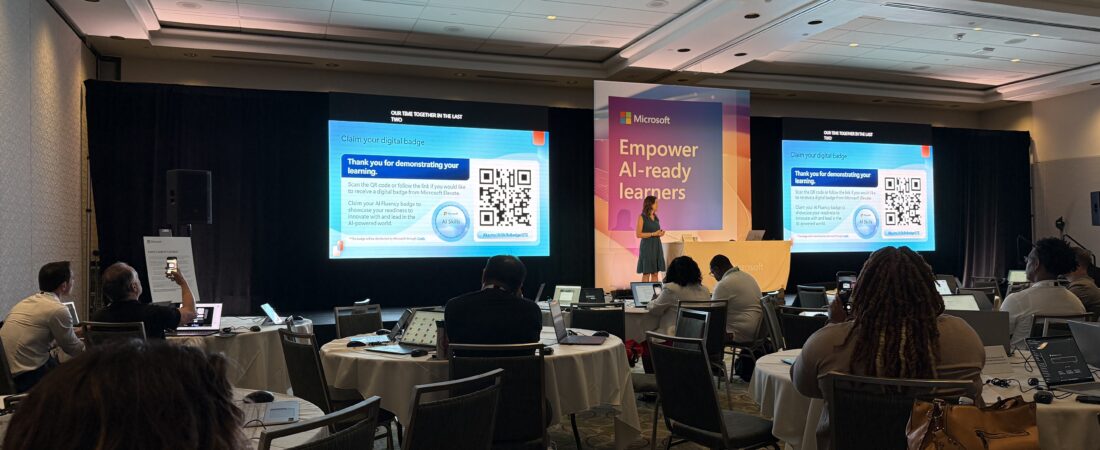
There is a phrase that kept appearing across multiple sessions at ISTE 2026, in different contexts and from different presenters, so consistently that it started to feel less like a talking point and more like a genuine shift in how the education technology industry is thinking about AI.
From shortcut to scaffold.
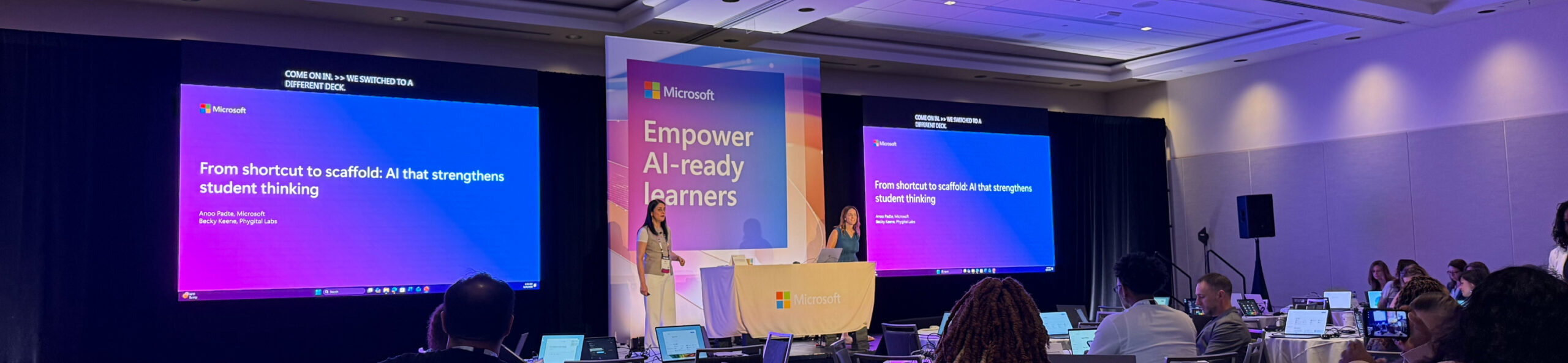
Microsoft made it the title of their session. Anoo Padha from Microsoft and Becky Keene (of whom I’m a MASSIVE fan!!!!!!) from Phygital Labs, whose book The AI Optimism I am revisiting constantly, stood on a stage beneath a banner reading “Empower AI-ready learners” and spent their time making an argument I have been making on this blog all year: the problem with AI in education is not that students are using it. The problem is that most of them are using it as a shortcut rather than a scaffold, getting answers instead of building understanding. The goal is not to stop the use of AI. The goal is to redesign how AI is used so that it strengthens thinking rather than replacing it.
What I Saw Microsoft Announce at ISTE 2026
Microsoft arrived at ISTELive 26 with a significant announcement: a new wave of AI-powered teaching and learning experiences, available at no additional cost to existing Microsoft 365 Education users. No new subscription. No new platform. No new login. AI capabilities are embedded directly into the Microsoft ecosystem that schools already have.
The headline offerings are an expanded Study and Learn and Copilot Notebooks, two tools that are worth engaging with!
Study and Learn
Study and Learn is a Copilot-powered AI agent embedded directly in Microsoft 365 Copilot Chat. Think of it as the difference between asking a general-purpose AI assistant about a topic and asking an AI that has read your specific course materials and is grounded entirely in them.
Students and/or teachers bring their own content: lecture slides, handouts, readings, notes, PDFs, and the Study and Learn agent works from those sources rather than the open internet. That grounding matters enormously for academic integrity and for accuracy. The AI cannot drift into hallucinated facts from unrelated sources because it is working from what the student actually has.
What it generates from those materials is practical and immediately useful: summaries, flashcards, quizzes, fill-in-the-blank activities, and matching exercises, all built from the student’s own content, all available for self-directed review and test preparation.
The quiz feature deserves its own moment because it works differently from what most teachers might expect. The quizzes are not graded in a way that sends scores to the teacher. They are self-checks, formative, private, designed to help students identify what they know and what they do not before they encounter the real assessment. One of the presenters described it simply and accurately: it is a true self-check that helps students prep for your assessment from their own materials.
That distinction matters. A quiz that sends scores to the teacher changes the psychological stakes in a way that a true self-check does not. Students who are afraid of being wrong do not use formative tools honestly. A quiz that exists only to show the student where their understanding has gaps is a fundamentally different and more useful thing, and it is more likely to actually change what a student does before the test.
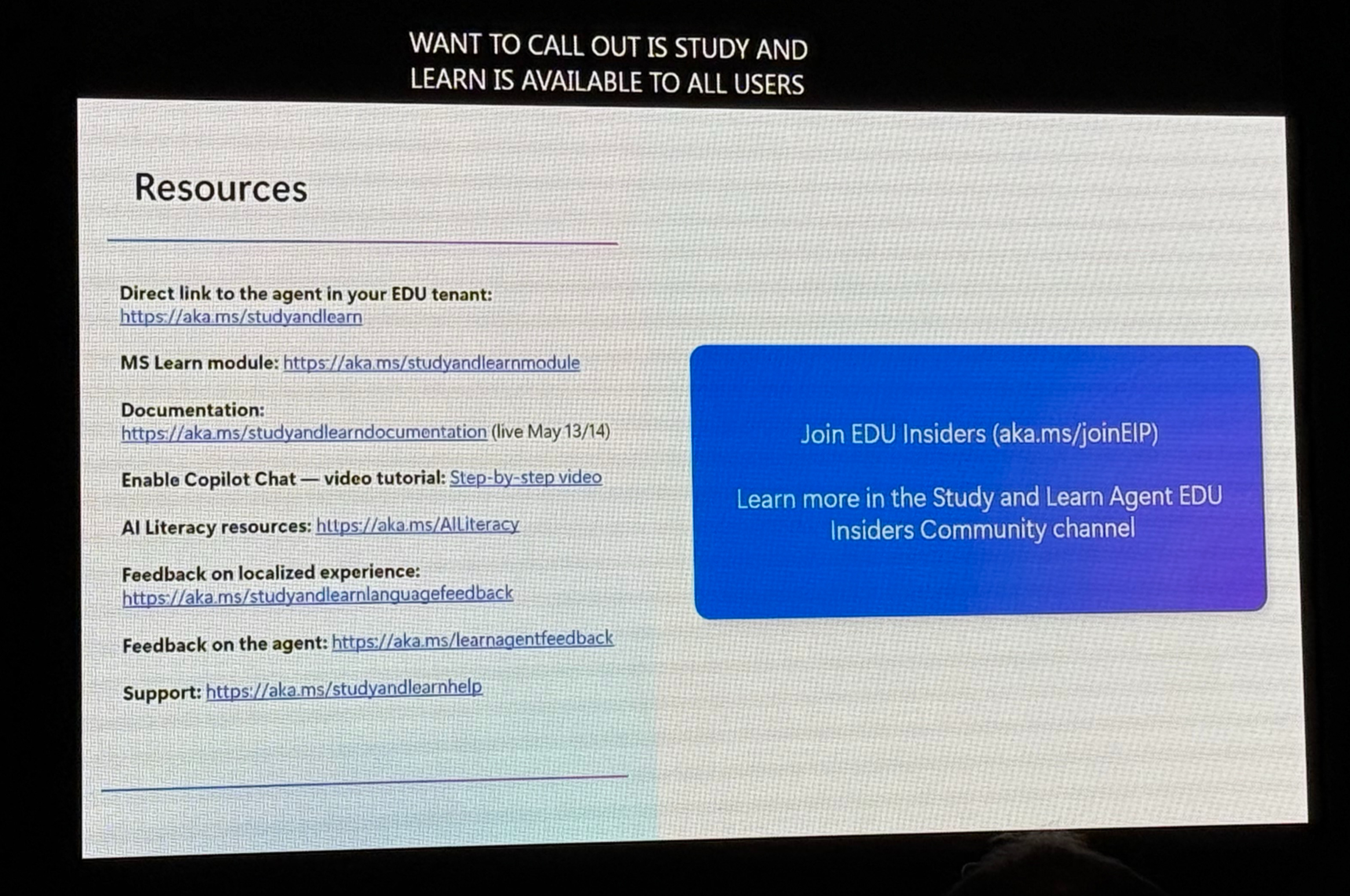
Study and Learn is available to all users. That is worth repeating because it signals something important about Microsoft’s strategy: they are not gatekeeping the core learning tool behind a premium tier. Every student in a Microsoft 365 Education environment gets it.
Copilot Notebooks
Copilot Notebooks is Microsoft’s answer to a question that educators have been asking since NotebookLM arrived and made everyone realize how powerful a source-grounded AI workspace could be: when does Microsoft give us that?
The answer is now. Copilot Notebooks is an AI-powered workspace where students and teachers can bring together all the materials related to a topic or project: PDFs, Word documents, PowerPoint presentations, Excel files, notes, and have Copilot work from those sources to help organize, analyze, and understand the content.
The Study Guide feature inside Copilot Notebooks is where this gets particularly interesting for teachers. Upload your course materials and Study Guide reads across all of them, identifies the key ideas, and creates a multi-page interactive study guide grounded entirely in those sources. The structure is thoughtful: a summary page giving the big picture, individual topic pages going deeper on each major concept like mini-chapters, and throughout it all, citations back to the source material so students can follow the thread from the AI-generated explanation back to the original text.
Here is the detail that deserves special attention: the study guides are editable Loop pages. Students are not just receiving a finished document. They are receiving a starting point that they can personalize, annotate, add to, and make their own. The AI does the initial organizational heavy lifting. The student takes ownership of the result.
That is the scaffold, not the shortcut.
The notebook also generates mind maps, visual representations of how the concepts in the materials relate to each other, useful for students who process information spatially and for anyone who benefits from seeing the structure of a topic before diving into the details.
There is Some License Gating
Something deserves honest acknowledgment here, because it is the thing that always matters when Microsoft makes a big announcement: some features are still gated based on subscription and license level.
The core Study and Learn agent is available to all users. Copilot Notebooks is now available to Microsoft 365 Education A1, A3, and A5 users — which covers the majority of school licenses. But premium AI capabilities, additional source limits in notebooks, and some advanced Copilot features remain in higher-tier plans.
Microsoft’s comparison to NotebookLM is apt, and the competition is real. NotebookLM is currently free and has fewer tier restrictions for basic use. Copilot Notebooks is more integrated into the Microsoft ecosystem that most schools are already running, which is a meaningful advantage when it comes to deployment, privacy compliance, and institutional trust.
For schools already on Microsoft 365 Education, Copilot Notebooks and Study and Learn represent a significant upgrade to what their students already have access to, at no additional cost. For schools evaluating AI learning tools from scratch, the comparison with NotebookLM and other alternatives is worth making carefully rather than assuming Microsoft is the automatic answer.
Is Microsoft Making a Bigger Shift?
The session title, “From shortcut to scaffold: AI that strengthens student thinking,” is doing a lot of work. It is a positioning statement as much as a description of a feature set.
Microsoft’s 2026 AI in Education Report, released alongside these announcements, found that 92% of students and education leaders have already used AI for school-related purposes. The window for debating whether students will use AI has closed. The question is whether the AI they use will make them better thinkers or worse ones.
Every tool Microsoft showcased at ISTE 2026 was built around the same answer to that question: AI grounded in the student’s own materials, producing outputs that require the student to engage with and own, with enough transparency for the teacher to trust the process.
From shortcut to scaffold.
That might be the sentence that defined ISTE 2026 for me.
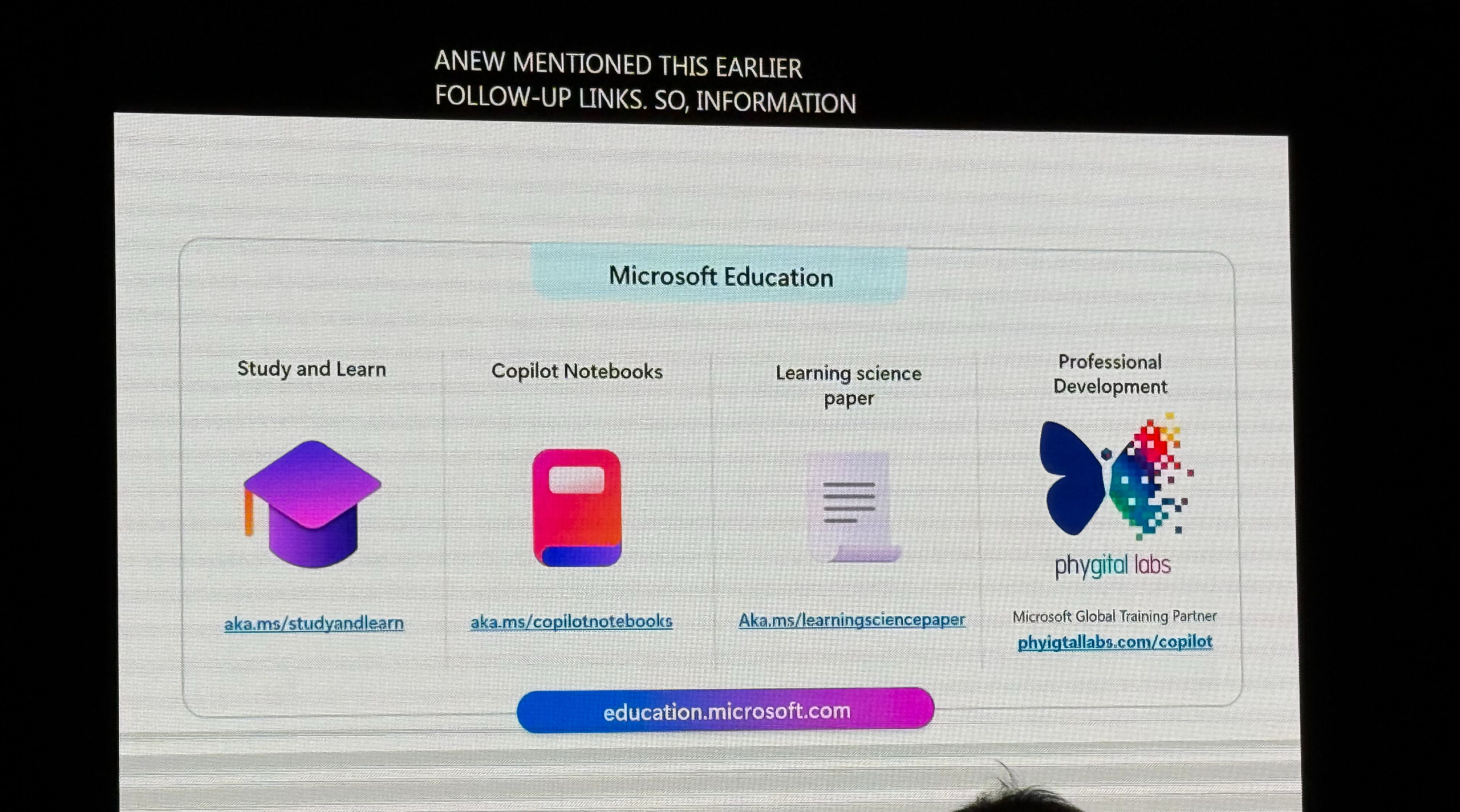
Resources from the session:
Study and Learn: https://aka.ms/studyandlearn
Copilot Notebooks: https://aka.ms/copilotnotebooks
Learning Science Paper: https://aka.ms/learningsciencepaper
Microsoft Education: https://education.microsoft.com
Phygital Labs Copilot Training: https://phyigtallabs.com/copilot
Join EDU Insiders: https://aka.ms/joinEIP
The AI Optimism by Becky Keene: https://www.amazon.com/dp/1956306978?lv=shuf&channelId=500&plpRedirect=mhFallback